 To Manually Check-in your Group Folio:
1. Check in a Group Master by using the Check-In button in the Action Bar, as you would for a regular Check-in .

The Select Guest to Check-in screen appears. By default, the screen shows ALL arrivals (people with reservations who have not yet checked in) for the current system date alphabetically. This includes any Groups.
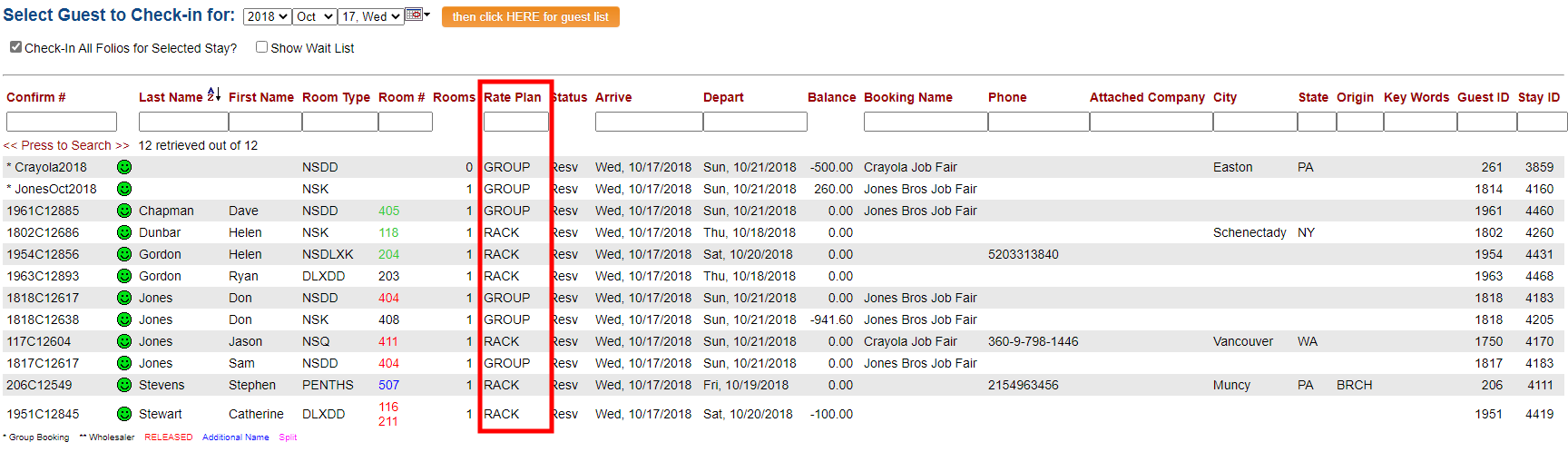
Once the list of reservations appears, click the name of the Group Master or the confirmation number to check in.
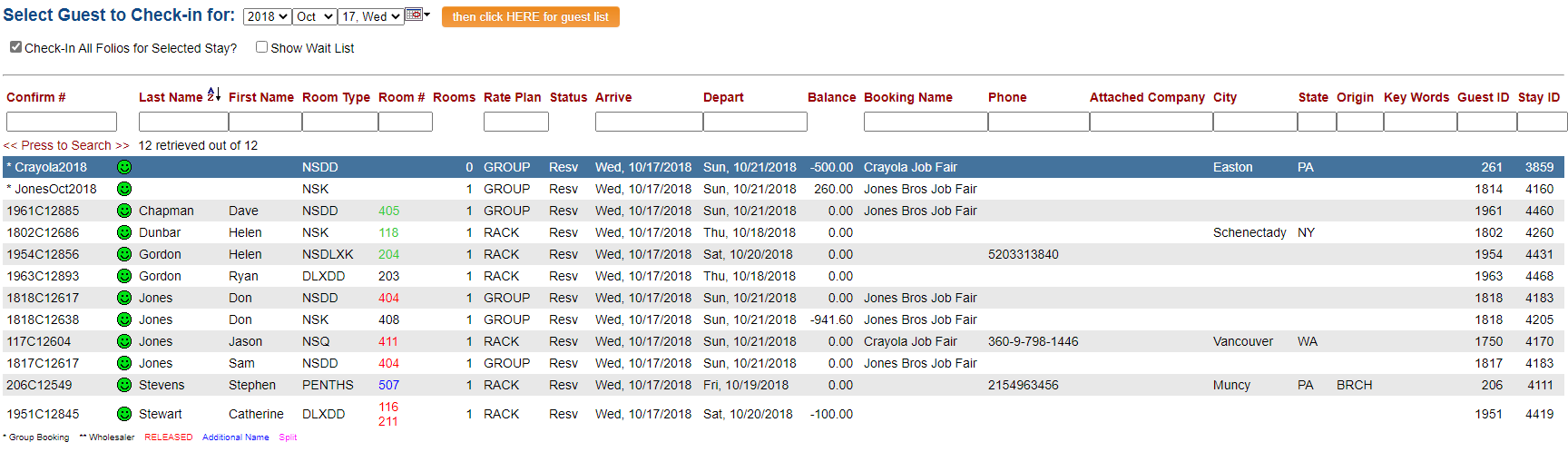
Note: On a Group Folio the Check-In process is completed AUTOMATICALLY. (For an Individual guest reservation, making a selection will open the Check-In screen for you to complete the Check-In process).
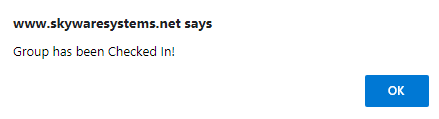
A pop-up window will confirm that the Group has been checked in, and the Folio screen for the stay will open, showing the RESV status has changed to FOL, indicating that the Group is now In-House, with the Folio now being RELEASED.

2. Using the Group's Main Folio screen.
Click the key icon to check in the group master. The system confirms that the group master has been checked in, and the status changes to FOL/folio.
Note: As on an individual Folio, this button is ONLY available on the expected Arrival Date, and will disappear once more after check-in is complete.
To reach the Group Main Folio screen:
Select Modify Folio from the Action Bar
OR
Click Modify Folio from the Registration section of the Full Menu.
To reach the Registration area:
Click the icon on the left for the Full menu.

This will display the Full menu in a tabular form, with four sections, Registration, Status, Cashier and Other.
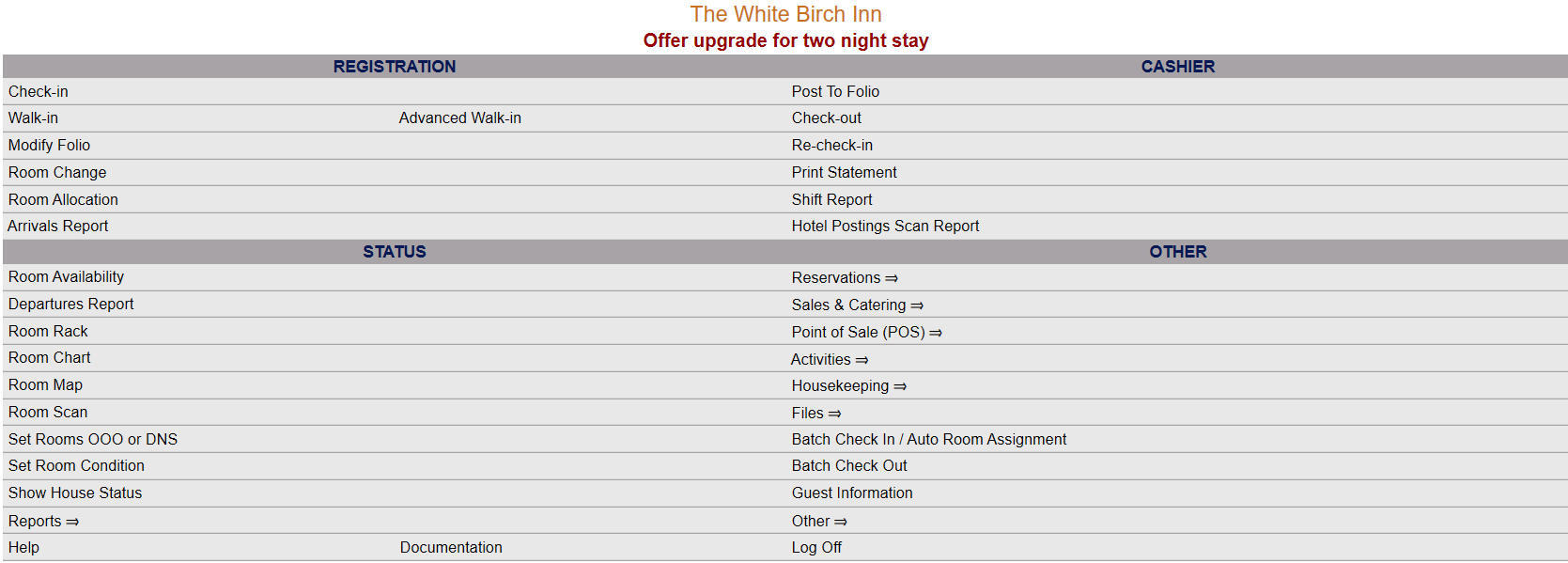
The section on the top left here is the Registration section.
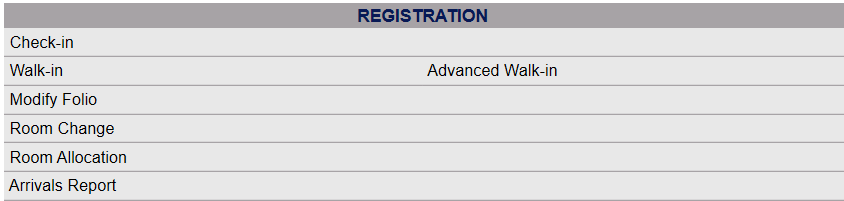
Click on Modify Folio.
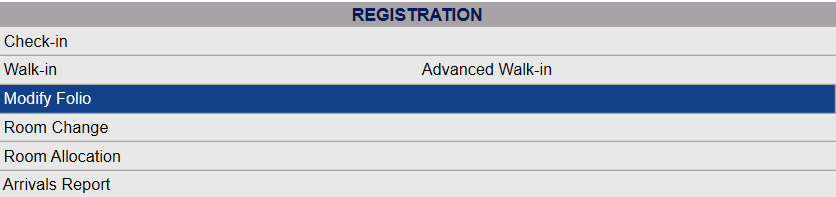
When you select Modify Folio, the Select Folio screen will open.

Currently the screen has no (Stay Information) Folios displayed. There are various options for you to select from.
Note: The default setting for the screen is to have the In-House option box checked. To search for a Group Folio to check in, you will need to de-select this option and select the Group option Groups (Resv). This will change the screen to the Select Group screen (which may also be reached using the Modify a Group Block command).

The Select Group search screen allows you to select a Group from those existing in your system to display.
The results should automatically display when you change the "Show" option. Otherwise, use the <<Press to Search>> command to search for matching records.

There are several search criteria you can use to narrow your search, including the Company name or the Booking Name used when the Group Block reservation was generated, or you can simply click on the <<Press to Search>> command which will list all the Groups in your system. You can then select the one you want from the list generated.
Note: When entering information into the search fields, you do NOT need to hit return or enter - if you do so, this is the equivalent of clicking the <<Press to Search>> link and will generate the search.

When the matching records are displayed, Click on an entry from the search results list to open the Stay Information, otherwise known as the Main Folio, for your chosen Group.
When selected, the Group Main Folio with the Stay Information tab displayed will open.

The Check-In button is a (turquoise colored) Key, and represents your ability to Check-In the reservation.
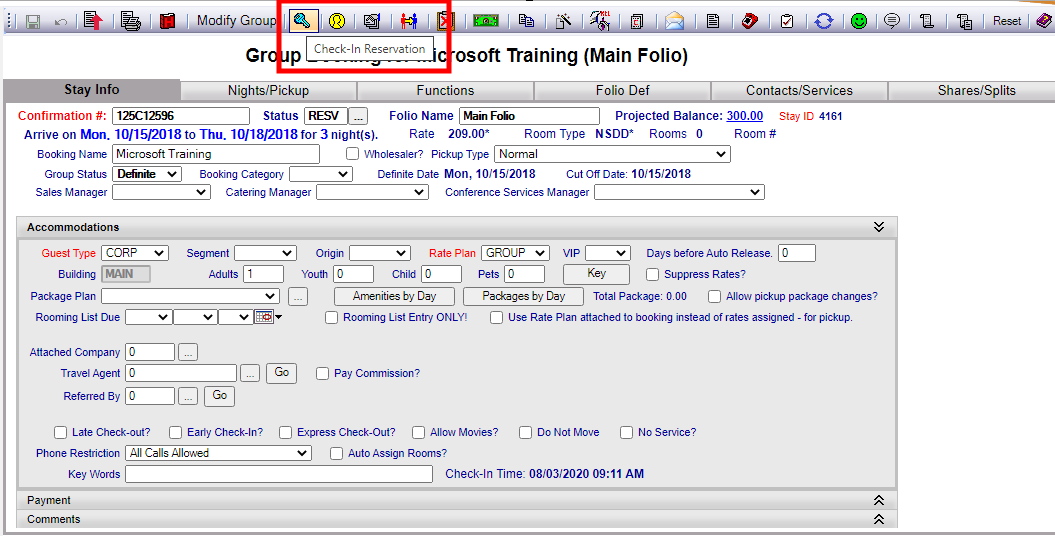
You may click this Key button to Check-In the Group Master.
Skyware Systems will confirm that the Group has been checked in via a pop-up message window.
Once you click "OK", the Status field of the Folio will change from RESV to FOL, indicating that the Group is now In-House, with the Folio now being RELEASED.
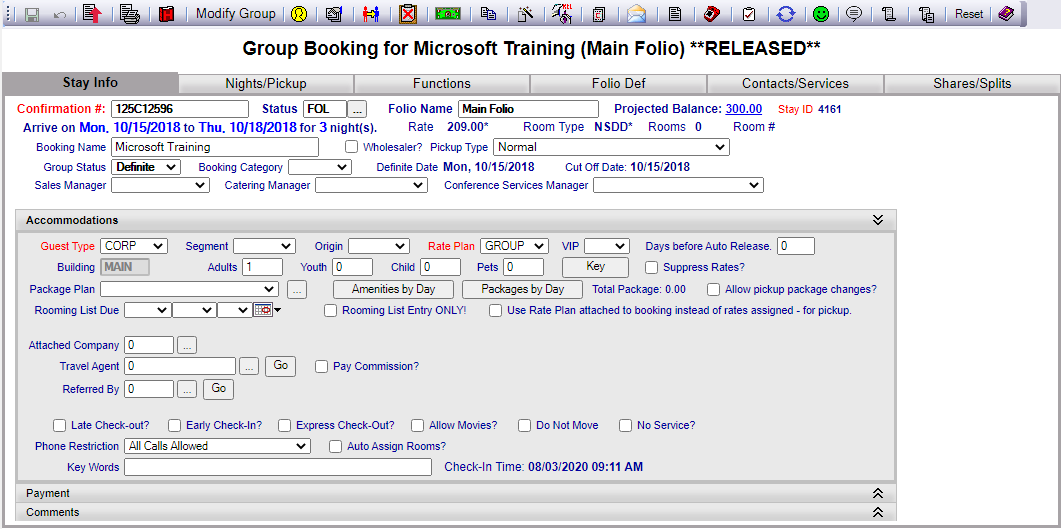
Note: On an Individual Folio, clicking the Check-In key button will open the Check-In screen for you to complete the Check-In process; on a Group Folio the process is completed automatically.